
HTML Templates Download Tutorial
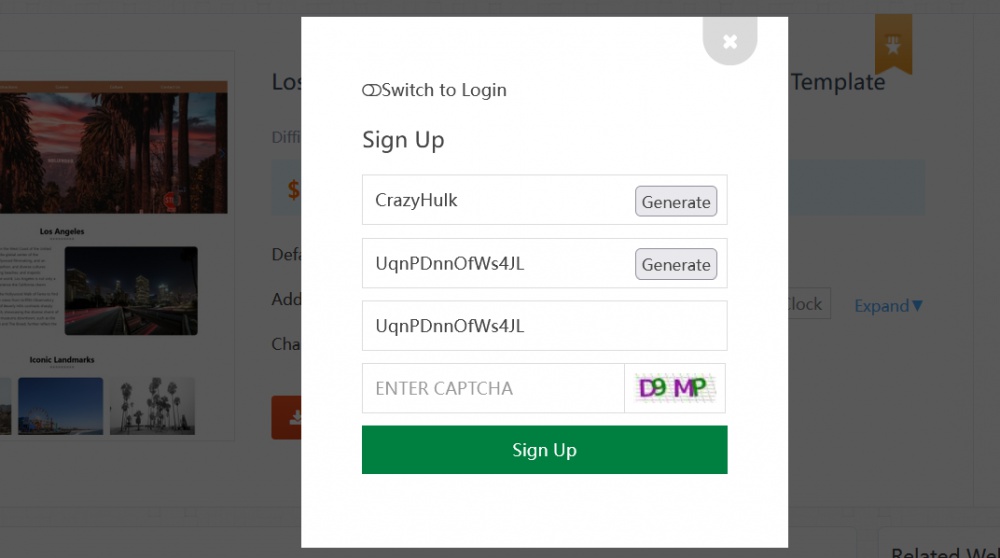
1. Click the download button (you need to log in first. If you don't have an account, just randomly generate one — registration only takes a few seconds).
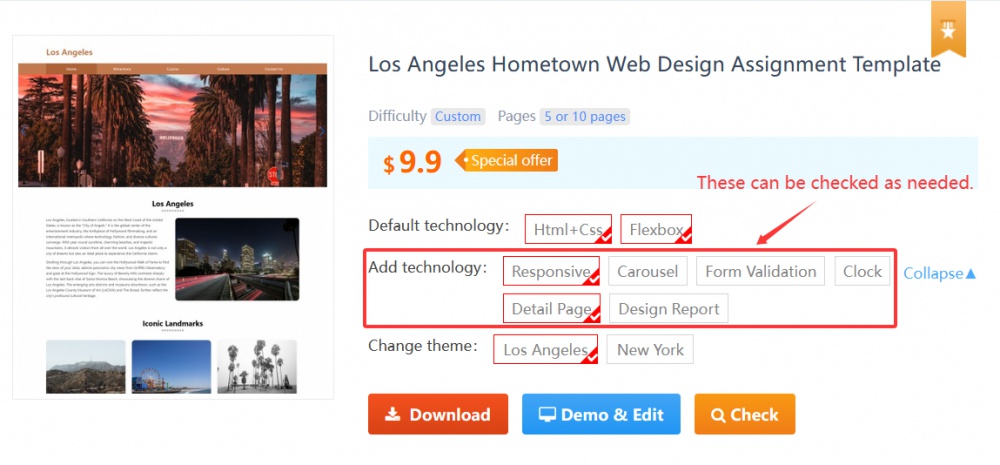
2. Check the technologies you want to add (if you only need the simple version, you don't need to check any). Once checked, the download content and demo effect will change accordingly.
Other questions: